1. Introduction: The Hidden Data Flow
When users interact with online PDF tools, a critical question often goes unexamined: where does the file data actually travel during processing? This analysis examines the fundamental architectural differences between server-side and client-side PDF processing, with particular focus on security implications for sensitive document handling.
The distinction is not merely technical. It determines whether your confidential contracts, financial statements, medical records, and proprietary business documents are transmitted across the internet to third-party infrastructure, or remain exclusively on your local device throughout the entire processing lifecycle.
2. Technical Architecture Comparison
Server-Side Processing Model
Traditional online PDF tools implement a server-side processing architecture. The typical request lifecycle follows this pattern:
Client Browser → HTTP POST (multipart/form-data) → Load Balancer
    → Application Server → File System/Object Storage
    → Processing Queue → Worker Process → Temporary Storage
    → HTTP Response (processed file) → Client Download
This architecture introduces multiple points where document data exists outside user control:
- Network transmission (potentially multiple hops)
- Server memory during processing
- Temporary file storage on server filesystem
- Backup systems and logging infrastructure
- CDN edge caches in some implementations
Client-Side Processing Model
Client-side architecture eliminates network transmission of document data entirely:
User selects file → File API reads into ArrayBuffer
    → JavaScript/WebAssembly processes in memory
    → Blob created from processed data
    → URL.createObjectURL() generates download link
    → User downloads result (never left device)
The document data exists exclusively within the browser's JavaScript execution context and local memory. No HTTP requests containing file data are generated.
3. Security Risk Assessment
| Risk Category | Server-Side | Client-Side |
|---|---|---|
| Data in Transit Exposure | High - TLS encrypted but decrypted at server | None - No transmission occurs |
| Data at Rest Exposure | Present - Temporary server storage | None - Browser memory only |
| Third-Party Access Risk | Possible - Server administrators, hosting providers | Impossible - No external access |
| Data Breach Impact | Multi-user data exposure possible | Single-user, single-session maximum |
| Retention Policy Compliance | Depends on provider implementation | Automatic - Data cleared on page close |
| Jurisdiction Concerns | Data may cross international boundaries | Data remains in user's jurisdiction |
4. Client-Side Processing Technologies
Modern browsers provide a robust technology stack for document processing without server communication:
Core Web APIs
- File API: Provides
FileReaderandBlobinterfaces for binary data handling - ArrayBuffer: Enables direct manipulation of binary data in memory
- Canvas API: Supports image rendering and pixel-level manipulation
- Web Workers: Allows background processing without UI blocking
- WebAssembly: Enables near-native performance for computationally intensive operations
PDF Processing Libraries
- PDF.js (Mozilla): JavaScript PDF renderer used in Firefox, supports viewing and text extraction
- pdf-lib: Pure JavaScript library for creating, modifying, and merging PDF documents
- jsPDF: Client-side PDF generation from HTML, images, and text
- Tesseract.js: WebAssembly-powered OCR engine for text recognition
TurnFile 360 Technology Stack
5. TurnFile 360 Technical Implementation
TurnFile 360 implements a zero-upload architecture across all 20+ tools. The following describes the technical approach:
File Input Handling
// File selection triggers local processing only
fileInput.addEventListener('change', async (event) => {
    const file = event.target.files[0];
    const arrayBuffer = await file.arrayBuffer();
    // arrayBuffer contains file data - remains in browser memory
    // No XMLHttpRequest or fetch() with file data occurs
});
Processing Pipeline
Each tool category implements processing using browser-native capabilities:
- PDF Merge/Split: Uses pdf-lib to read, modify, and reconstruct PDF structures in memory
- Compression: Implements image downsampling and stream optimization within JavaScript
- Format Conversion: Renders pages to Canvas, exports to target format (JPEG, PNG)
- OCR Text Extraction: Tesseract.js WebAssembly module processes image data locally
- Image Editing: Canvas 2D context applies filters, transformations, and adjustments
Network Activity Verification
Users can verify the zero-upload claim using browser developer tools:
- Open Developer Tools (F12 or Cmd+Option+I)
- Navigate to the Network tab
- Clear existing entries
- Process a file using any TurnFile 360 tool
- Observe network activity - only static assets (JS/CSS) are loaded
- No requests contain file data or multipart form uploads
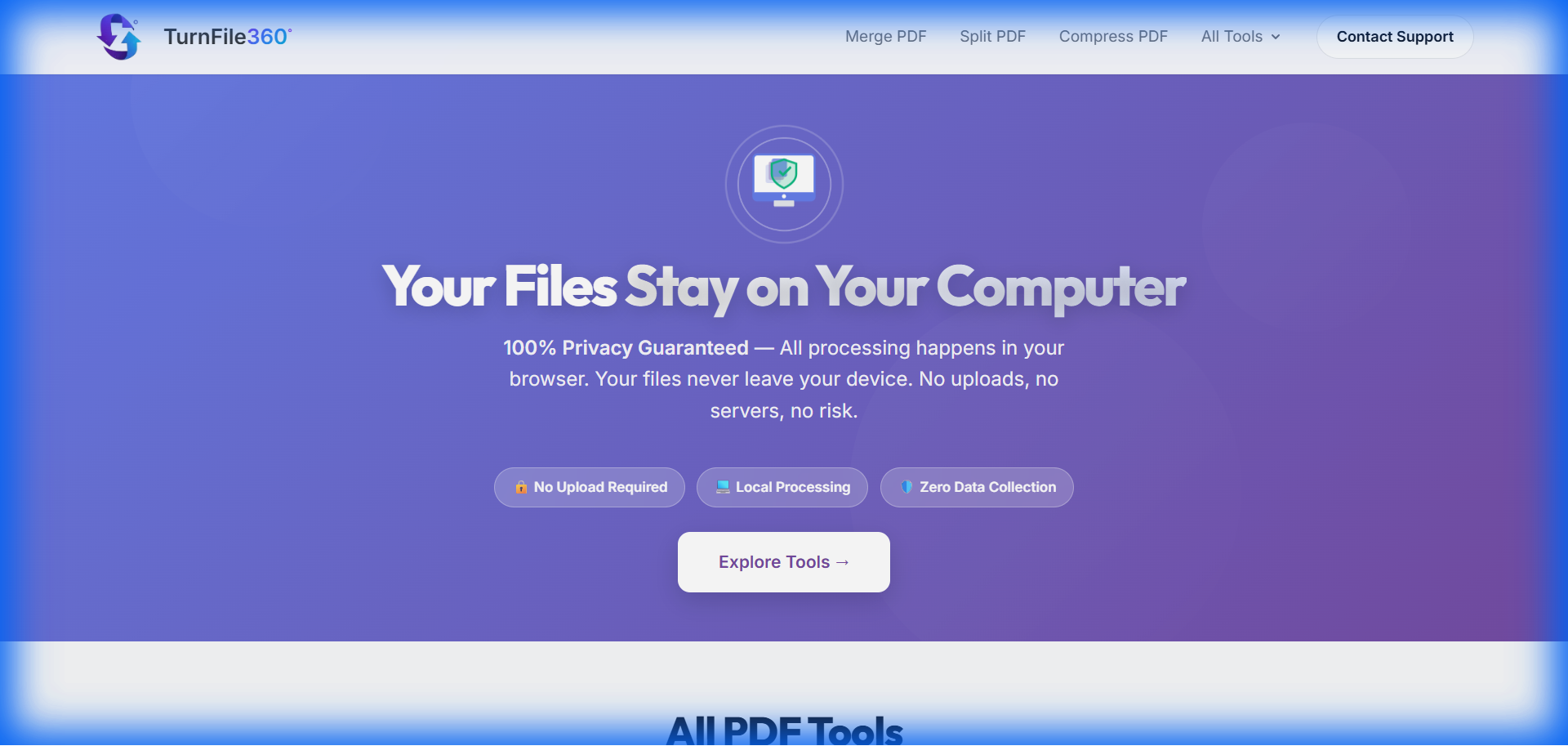
TurnFile 360 compression tool interface - processing occurs entirely within the browser
6. Regulatory Compliance Analysis
GDPR (General Data Protection Regulation)
Client-side processing provides inherent compliance advantages:
- Article 5(1)(c) - Data Minimization: No personal data is collected beyond what the user explicitly provides for processing
- Article 17 - Right to Erasure: Data is automatically erased when the browser tab closes; no retention occurs
- Article 28 - Processor Requirements: No data processor relationship exists; no DPA required
- Article 44 - International Transfers: Not applicable; data does not leave user's device
CCPA (California Consumer Privacy Act)
The architecture satisfies CCPA requirements by design:
- No "sale" of personal information occurs (Section 1798.140(t))
- No collection of personal information for processing purposes
- Consumer deletion rights are inherently satisfied
HIPAA Considerations
While TurnFile 360 does not claim HIPAA certification, the architecture eliminates the primary compliance concern: transmission of Protected Health Information (PHI) to external systems. Healthcare organizations can process documents containing PHI without creating a Business Associate relationship.
7. How to Verify Client-Side Processing
Independent verification of client-side processing claims is straightforward using standard browser developer tools:
Method 1: Network Traffic Analysis
- Open browser Developer Tools (F12)
- Select the Network tab
- Enable "Preserve log" to maintain history
- Load a TurnFile 360 tool page
- Process a test document
- Filter requests by type (XHR, Fetch)
- Verify no requests contain file payload data
Method 2: Offline Testing
- Load a TurnFile 360 tool page
- Disconnect from the internet (disable Wi-Fi/Ethernet)
- Process a document
- If processing completes successfully, no server communication occurred
Method 3: Source Code Inspection
All JavaScript executing in the browser is inspectable. Users can review the source to confirm the absence of XMLHttpRequest or fetch() calls containing file data.
Experience Secure Document Processing
Process your sensitive documents with confidence using TurnFile 360's client-side tools.
Try TurnFile 3608. Frequently Asked Questions
What is client-side PDF processing?
Client-side PDF processing refers to file manipulation that occurs entirely within the user's web browser using JavaScript and WebAssembly. The document data never leaves the user's device, as all computational operations are performed locally using browser APIs and JavaScript libraries such as PDF.js, pdf-lib, or jsPDF. This contrasts with server-side processing, where files are uploaded to remote servers for manipulation.
How does TurnFile 360 ensure GDPR compliance?
TurnFile 360 achieves GDPR compliance by design through its zero-upload architecture. Since no personal data is transmitted to external servers, the platform inherently satisfies data minimization principles under Article 5(1)(c) and eliminates the need for data processing agreements under Article 28. Data retention concerns are also addressed automatically, as all document data is cleared when the browser session ends.
What technologies power client-side PDF manipulation?
Modern client-side PDF tools utilize several technologies: PDF.js (Mozilla's JavaScript PDF renderer) for viewing and text extraction, pdf-lib for PDF creation and modification, WebAssembly modules for computationally intensive operations like OCR, the File API for local file access, Canvas API for rendering and image manipulation, and Web Workers for background processing that doesn't block the user interface.
Are there limitations to client-side processing?
Client-side processing has some constraints: processing speed depends on the user's device capabilities rather than server infrastructure; very large files (100MB+) may encounter browser memory limitations; and certain operations that require proprietary codecs or specialized software cannot be replicated in JavaScript. However, for typical document processing tasks, modern browsers provide sufficient capability for most use cases.
Can I use TurnFile 360 for confidential business documents?
Yes. The client-side architecture makes TurnFile 360 suitable for processing confidential documents because the data never leaves your device. There is no network transmission of document contents, no server-side storage, and no third-party access to your files. Organizations should still follow their internal security policies, but the fundamental architecture eliminates the primary risk associated with online document tools.